

Alternatives to QUVIAI
QUVIAI turns your ideas into photorealistic renders, 3D scenes, videos, and music instantly with AI-powered creation!.
Explore 20 alternatives to QUVIAI. Compare features, pricing, and find the best fit for your needs.
PavoAI
AI video creation studio for text-to-video, image-to-video, editing, avatars, music, subtitles, and upscaling.
ImageAgent
Create and edit AI images through conversation, using text or reference images and refining results in chat.
GenX
All-in-one AI workspace to generate images, videos, and audio with multiple leading AI models.
AiAgeFilter
Free AI age filter: upload an adult portrait, add 10-40 years, meet your older self. No app needed.
AppIconGenerator
Generate iOS and Android app icons from any image and export all platform sizes for free.
FreeCreate
Create AI images from text or reference photos and turn prompts or still images into short videos with FreeCreate. Start free—no account needed.

YIX
AI image and video generation, photo editing, restoration and free prompt tools in one browser studio.

Design.com AI Image Generator
Turn text prompts into polished, copyright-safe visuals that plug directly into branded templates
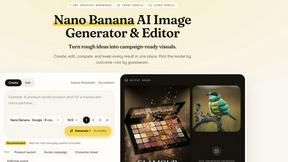
Nano AI
Create and edit AI images, generate videos, and compare models in one creative workbench.
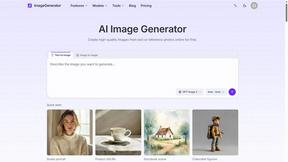
ImageGenerator
Create and edit AI images online with multiple models, text-to-image, image-to-image, background removal, and upscaling.
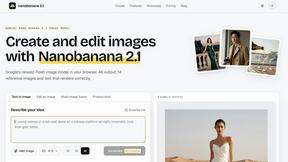
nanobanana 21
A fast, simple image studio powered by Nano Banana 2.1: accurate details, readable text, consistent characters, 14 reference images.
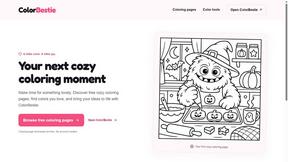
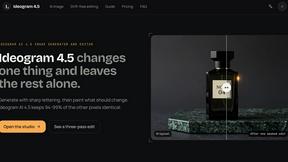
ideogram-45
AI image generation and editing with sharp typography, native 2K output, and localized edits.
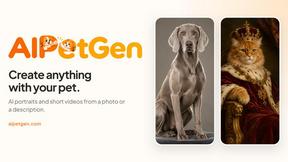
AIPetGen
AIPetGen turns a photo of your dog, cat, or other pet, or a written description, into a new picture or a short animation.

ImageGPT
ImageGPT is an all-in-one AI creative platform for generating, editing and transforming images and videos using AI.
AI Album Cover Maker
Create release-ready album covers from a prompt or photo. Generate, refine, and export art for singles, EPs, mixtapes, and playlists.
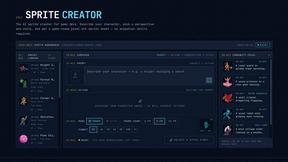
Sprite Sheet Maker
Create pixel-art sprite sheets from text with AI, preview animations, and export PNG assets for game prototypes.

About QUVIAI Alternatives
Are you ready to unleash your creative vision without limits? QUVIAI is a powerful, all-in-one AI platform that lets architects, designers, and creators turn a simple sketch, image, or 3D model into photorealistic renders, cinematic videos, and even original music! It belongs to the fast-growing category of AI image generation and 3D design tools, and it’s packed with features like a built-in 3D workspace and text-prompt scene editing. However, many users start looking for alternatives when they need a specific pricing model that fits their budget, a different set of integrations with their existing software, or a platform that specializes even deeper in one area, like pure 3D modeling or ultra-fast rendering. When you’re searching for the perfect alternative, the most important thing is to match the tool to your exact workflow! Look for a platform that excels in the specific output you need most—whether that’s jaw-dropping photorealistic renders, seamless 3D object generation, or music composition. Check for cross-platform availability, easy export options, and a free trial or tier to test the waters before committing. The best choice will supercharge your productivity, keep your creative process smooth, and help you iterate faster without breaking the bank!
FAQs about QUVIAI Alternatives
What is QUVIAI?
QUVIAI is an all-in-one AI-powered creative platform designed to transform your inputs—like sketches, images, or 3D models—into photorealistic renders, cinematic videos, multi-angle views, floor plan renders, 3D objects, and original music. It features a built-in 3D workspace that allows you to model, render, and iterate without switching between different tools. The platform is available on web, iOS, and Android, making it accessible for creators on the go.
Who is QUVIAI for?
QUVIAI is built specifically for architects, designers, and creators who need a powerful, unified tool to bring their visual concepts to life. It is ideal for professionals who want to quickly generate photorealistic renders from sketches or 3D models, as well as for those who need to create cinematic walkthroughs and stage furniture and decorative objects. Whether you are an interior designer, a game developer, or a visual artist, QUVIAI streamlines the entire creative pipeline in one place.
Is QUVIAI free?
Yes, QUVIAI offers a free trial so you can explore its powerful features before committing to a paid plan. You can try it at quvi.ai to experience firsthand how it transforms your sketches and models into stunning visuals. The free trial is a great way to test the platform’s performance and see if it fits your creative workflow.
What are the main features of QUVIAI?
QUVIAI’s main features include AI-powered generation of photorealistic renders, cinematic videos, multi-angle views, floor plan renders, 3D objects, and original music from a single input. It boasts a built-in 3D workspace that lets you model, edit scenes with text prompts, and generate furniture and decorative objects for staging. You can also produce cinematic walkthroughs from start and end frames, all without switching between multiple applications.