

ImageGenerator
Generate visual assets and make focused image adjustments in one workspace, with saved results and commercial use listed on paid plans.
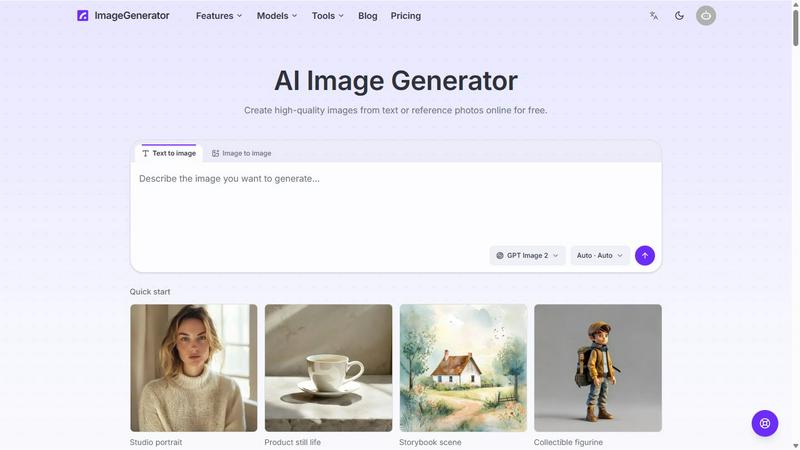
About ImageGenerator
For design work, ImageGenerator combines image generation with a handful of practical finishing tools. You can create a concept from a prompt or reference image, then use dedicated workflows to remove a background, upscale, extend the frame, or transfer a style. This makes it a possible fit for early asset development when the work moves between generating alternatives and preparing an image for a layout.
The site lists readable text in images as a strength of selected models, including poster, packaging, and title-card examples. Model choice matters: the product points to Nano Banana Pro and GPT Image 2 for text, and identifies other models for different balances of speed, detail, layout control, and reference handling. Each run creates one image, so designers should expect to inspect and iterate rather than produce a large batch in one pass. Paid plans include downloads and a commercial license, but the license terms are not specified.
Features
- Create images from prompts or reference photos.
- Use focused tools for background removal, upscaling, expansion, and style transfer.
- Set an aspect ratio before generation.
- Paid plans list free downloads and a commercial license.
Use Cases
- Draft poster, packaging, or title-card visuals with text.
- Prepare a generated asset by removing its background or extending its frame.
- Explore a product still-life or campaign direction before layout work.
- Upscale a selected image for a larger placement.
Pricing
Credit packs are available as one-time purchases, and subscriptions are offered monthly or yearly. The Lite plan is listed at $6.9 per month with annual billing of $82.8; paid plans list a commercial license.
Frequently Asked Questions
Which models does the site recommend for readable text?
The product identifies Nano Banana Pro and GPT Image 2 as its strongest choices for text in images.
Can I adjust an image after generating it?
The site offers separate tools for background removal, upscaling, expansion, and style transfer. It also lets you use a result as a reference for another generation.
Is commercial use included?
Paid plan descriptions list a commercial license. The supplied evidence does not give further license terms, so review the applicable terms before relying on it.
Similar to ImageGenerator

Goshortsai
Goshortsai helps creators turn photos and text prompts into short AI videos with motion transfer and reusable effect presets.
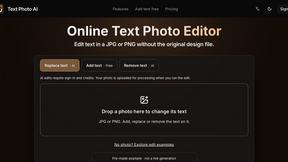
Text Photo AI
Change text in an exported photo with AI, or add a caption free in your browser when the original design file is unavailable.

PhotoboothFree
Create photo booth strips in your browser with camera or photo uploads, customizable layouts, filters and watermark-free print-ready downloads.
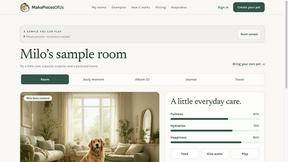
MakePieces OfUs
MakePieces OfUs turns pet photos into a virtual room with free albums, journals and puzzles, plus optional daily stories and trips.
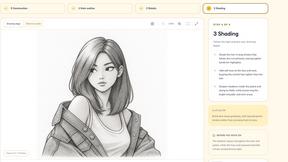
Drawcil
Drawcil pairs photo-based drawing lessons with a personal library for saving, resuming and revisiting practice.
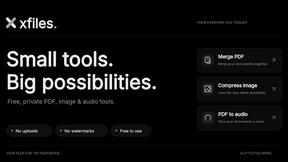
xfiles
xfiles provides free browser utilities for image, audio, video and PDF tasks, with on-device processing and no account required.
iWhiteScreen
Show a full-screen white page for monitor checks, cleaning, tracing and even light for small tasks or video calls.
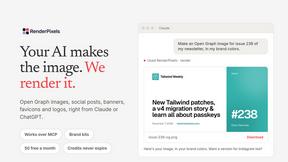
RenderPixels
RenderPixels lets AI assistants render platform-sized image files, checks common render issues, and returns previews and lasting file links.