

Design.com AI Image Generator
Turn text prompts into polished, copyright-safe visuals that plug directly into branded templates
tool Details
Explore More
Alternatives

About Design.com AI Image Generator
Design.com’s AI Image Generator turns text prompts into polished, custom visuals within seconds. Describe your subject, setting, mood, lighting, and composition in plain language, and the AI generates multiple interpretations to choose from. No design experience or stock photo subscriptions needed.
What sets it apart from standalone image generators is its direct integration with Design.com’s full suite of branded templates. Generated images can immediately be dropped into social posts, flyers, email banners, and presentations without switching tools. Pair custom visuals with your logo, brand colors, and typography for fully consistent branded content across every channel.
Every output is produced through a custom-trained model that guarantees copyright-safe results. For businesses that need legally clean assets from day one, this removes a risk that most other tools don’t address.
The free tier lets users generate and edit images without creating an account. Paid plans start at $3/month and include 50 AI-generated images per month, 651,000+ templates, and matching brand assets such as business cards, social posts, email signatures, and letterheads.
Similar to Design.com AI Image Generator
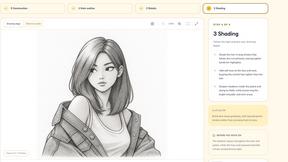
Drawcil
Turn that photo you want into a 4-step drawing lesson.

MyType FYI
Explore your visual type with ten free rounds of fictional faces, a base result and optional original portraits, posters or five-second videos.
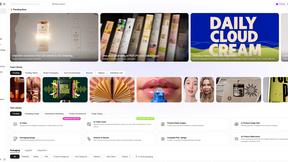
Rhinobird
AI video ads, UGC-style videos, and product visuals for cross-border sellers and e-commerce brands.
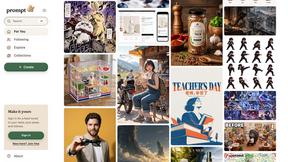
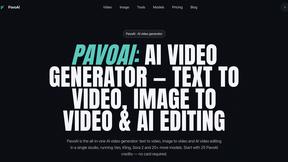
PavoAI
AI video creation studio for text-to-video, image-to-video, editing, avatars, music, subtitles, and upscaling.
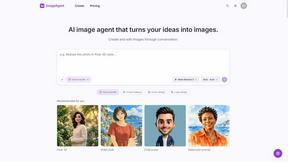
ImageAgent
Create and edit AI images through conversation, using text or reference images and refining results in chat.
GenX
All-in-one AI workspace to generate images, videos, and audio with multiple leading AI models.
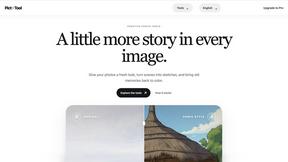
picttool
Create and edit images with a collection of easy-to-use AI tools