

Ultimate Forms
Accelerate SharePoint projects instantly with powerful no-code forms and automation!.
tool Details
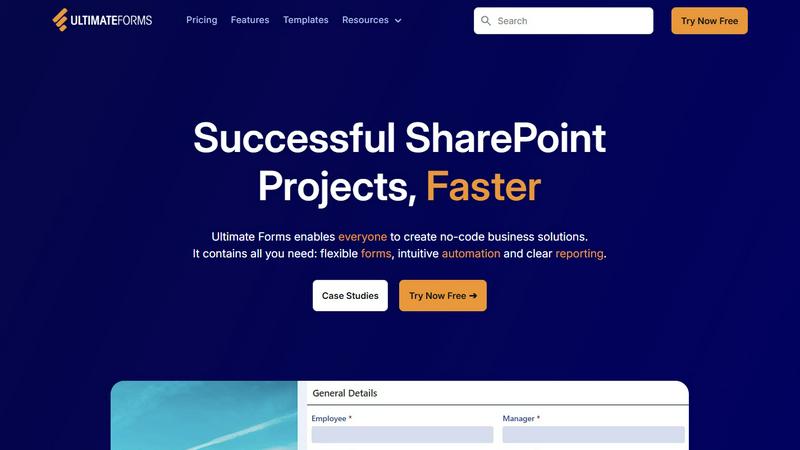
About Ultimate Forms
Welcome to Ultimate Forms, the revolutionary no-code platform that supercharges Microsoft SharePoint and Microsoft 365! This game-changing toolkit is designed to empower everyone in your organization—from HR and Finance to Project Management and Operations—to build sophisticated business solutions without writing a single line of code. Ultimate Forms transforms how you handle data and processes by combining flexible, modern forms with powerful, intuitive automation, all securely housed within your existing SharePoint environment. The core mission is simple: achieve successful SharePoint projects faster than ever! By eliminating complex development cycles, it enables rapid deployment of applications that improve data quality, streamline workflows, and provide crystal-clear reporting. With over 20 years of expertise from Infowise, Ultimate Forms delivers pre-built puzzle pieces for common business scenarios, allowing you to assemble powerful applications with ease and confidence. Join thousands of global organizations and unlock the true potential of your Microsoft 365 investment today!
Features
Flexible, Responsive Forms
Create stunning, modern forms that work perfectly on any device! Ultimate Forms offers tabs, sections, column permissions, dynamic rules, repeating sections, electronic signatures, and robust input validation. All this power keeps your data securely inside SharePoint while providing an exceptional user experience that improves data accuracy and simplifies every business process. Build forms that are both beautiful and highly functional in minutes!
Intuitive Automation with Actions
Replace complex, hard-to-manage workflows with simple, versatile Actions! This feature allows you to automate processes by creating and updating data not just within SharePoint, but also across integrated applications like Microsoft Exchange, SQL Server, Teams, and many more. By dramatically reducing the learning curve, you empower more people in your organization to create and manage automation, successfully removing bottlenecks and accelerating productivity!
Clear Reporting & Dashboards
Turn raw data into actionable insights with stunning visualizations! Ultimate Forms provides detailed, shareable reports, interactive dashboards, KPIs, calendars, and charts. Everyone in your organization can visualize critical information in an accessible and understandable fashion, which dramatically improves responsiveness, accountability, and data-driven decision-making. See the story behind your numbers at a glance!
Pre-built Solution Templates
Jumpstart your projects with a vast library of ready-to-use templates! Choose from popular solutions for Project Management, HR Recruitment, Leave Requests, and more. These templates are complete packages of forms and automation that you can easily deploy, replicate, and customize. This "build once, deploy anywhere" capability saves immense time and effort, allowing you to distribute proven solutions across multiple sites and tenants instantly!
Use Cases
HR Recruitment Portal
Streamline your entire hiring process with a multi-stage recruitment portal! Create an automated solution for posting jobs, collecting applications, scheduling interviews, gathering feedback from hiring teams, and sending offer letters—all from a single, centralized platform within SharePoint. Improve candidate experience, ensure consistency, and drastically reduce time-to-hire with seamless automation!
Project & Task Management
Gain complete visibility and control over projects, tasks, and resources! Build a comprehensive system to track customers, manage project timelines, assign tasks, log work hours, and monitor budgets. Automated alerts and approvals keep everyone on schedule, while integrated dashboards give managers real-time insights into project health and team productivity, ensuring nothing falls through the cracks!
Employee Leave & Absence Management
Simplify the process of requesting and approving time off! Employees can submit leave requests through a user-friendly form that automatically checks balances and company policy. The request then routes through a predefined approval workflow to managers, updates shared team calendars, and syncs with payroll systems. This eliminates manual tracking, reduces errors, and keeps operations running smoothly!
IT Asset & Inventory Tracking
Maintain a flawless, up-to-date record of company assets! Create a powerful tracking system for hardware, software licenses, and other inventory. Use forms for check-in/check-out, automate maintenance schedules, and generate reports on asset status, location, and lifecycle. Keep all data securely in SharePoint, ensuring compliance and giving your IT team a single source of truth for all assets!
Frequently Asked Questions
Do I need coding skills to use Ultimate Forms?
Absolutely not! Ultimate Forms is built as a true no-code platform. Its intuitive, drag-and-drop interface and pre-built templates are designed specifically to empower business users, analysts, and SharePoint administrators to create powerful forms and automation without any programming knowledge. You can build complex business solutions entirely through configuration!
How does Ultimate Forms integrate with other applications?
Ultimate Forms connects seamlessly with a wide variety of data sources and Microsoft 365 services! Using its built-in Actions, you can easily integrate with Microsoft Exchange (for emails), Teams (for notifications), SQL databases, and many other systems. This allows you to create automated workflows that move data between applications, breaking down silos and creating a connected digital workplace!
Is my data secure with Ultimate Forms?
Yes, security and compliance are foundational! Ultimate Forms operates entirely within your Microsoft SharePoint and Microsoft 365 environment. All your data stays securely inside your tenant, adhering to your existing Microsoft 365 governance, security policies, and compliance standards. You maintain complete control over your information while leveraging the platform's powerful capabilities.
Can I try Ultimate Forms before purchasing?
Definitely! You can start building and exploring the power of Ultimate Forms right away with a free trial. Simply click the "Try Now Free" option to get instant access. This allows you to test drive the features, build a pilot solution, and see firsthand how it can transform your business processes before making any commitment!