

tool Details
Explore More
Alternatives
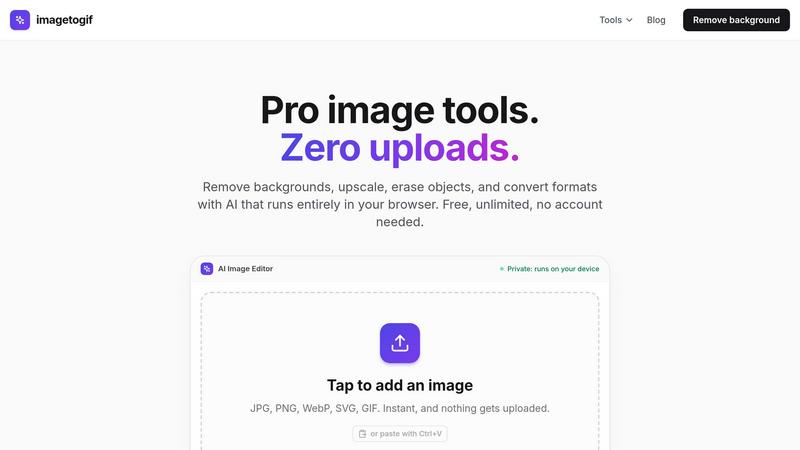
About imagetogif
imagetogif is a free collection of image tools that run entirely in your browser. It handles the everyday jobs people usually pay for or upload to a server: removing backgrounds, compressing photos to an exact file size, resizing for any platform, converting between formats like PNG, JPG, WebP and SVG, upscaling with AI, and turning images or video clips into GIFs.
The difference is where the work happens. All processing, including the AI models for background removal and upscaling, runs on your own device using WebAssembly. Your files are never uploaded, so there is no wait, no account, no watermark, and nothing leaves your computer. That privacy matters for personal photos, ID documents, and pre-launch product shots. Every tool is free and unlimited, and works on desktop and mobile.
Similar to imagetogif
ImageAgent
Create and edit AI images through conversation, using text or reference images and refining results in chat.

CloneWebsite
Clone any webpage pixel-perfect, export HTML/CSS/ZIP or React/Vue components.

ToolVerified
The software directory where real people test the links so you do not have to. Ranked by community votes, free of bots and spam.

AppIconGenerator
Generate iOS and Android app icons from any image and export all platform sizes for free.
FreeCreate
Create AI images from text or reference photos and turn prompts or still images into short videos with FreeCreate. Start free—no account needed.

CADCraft
Free open-source 2D CAD built in Rust. AutoCAD-style CLI drafting, layers, dimensions, DWG/DXF support, and AI-agent automation via MCP.
Adobe Alternatives
Explore open-source creative software by workflow, platform and development stage, with comparisons and official project links.

ogimagegenerator.dev
Paste a URL and AI designs on-brand Open Graph images from your page's colours, fonts and logo. Free, no sign-up.