

tool Details
Explore More
Alternatives
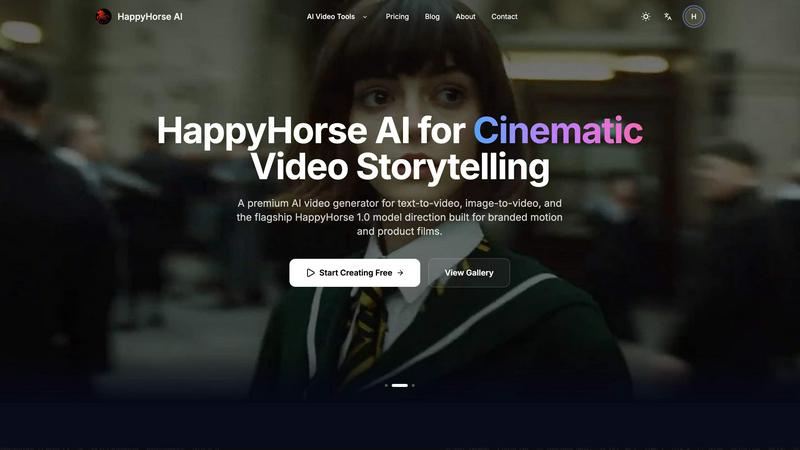
About HappyHorse AI
HappyHorse AI gives creators a compact way to try prompt-based video and animate existing images. The text workflow is suited to a new visual direction, while image-to-video can add motion to a product shot or portrait. Model selection and supported settings sit in the same workflow as preview and export, allowing users to iterate without moving between separate model interfaces.
The product page emphasizes short creative tasks: campaign testing, social content, product showcases, and internal review. Output can reach 1080p when the chosen model supports it, and the site describes HappyHorse 1.0 clips up to 15 seconds on paid plans. Audio features and other controls are also model-dependent. Consider it for drafts and visual exploration; confirm the chosen model's limits when a deliverable has a fixed duration or resolution requirement.
Features
- Offers prompt-to-video and image-to-video modes.
- Provides a shared workspace for multiple video models.
- Supports adjustments such as aspect ratio, duration, and resolution where available.
- Exports previews as MP4 downloads.
Use Cases
- Test creative directions for ads and launches.
- Make motion samples from existing product images.
- Develop drafts for vertical or square social placements.
- Share video concepts with marketing or design reviewers.
Pricing
Plans are offered as yearly billed subscriptions at $41, $83, and $167 per month, or through one-time credit purchases.
Frequently Asked Questions
Can I keep the composition of my reference image?
Image-to-video is intended to stay closer to the original composition, though the result depends on the model.
What output resolution is available?
The platform lists up to 1080p on supported models.
Is this designed for long-form production?
The page focuses on short clips and iterative creative workflows; listed clip limits vary by model and plan.
Similar to HappyHorse AI

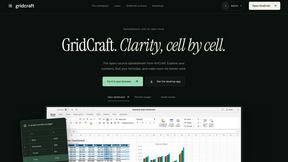
GridCraft
GridCraft is an open-source spreadsheet for editing XLSX files with familiar formulas, charts, and PivotTables in a browser or desktop app.
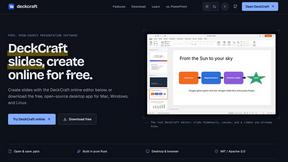
DeckCraft
Create and edit presentations in a free browser editor or desktop app, with PowerPoint file support and open-source code.

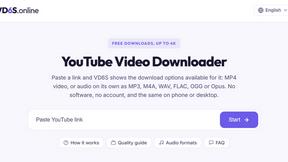
VD6S.online
A free, browser-based YouTube downloader for saving available video as MP4 or extracting audio in formats such as MP3, WAV, FLAC, and Opus.
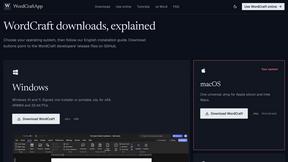
WordCraft
WordCraft is a free, open-source word processor with DOCX support, offline desktop apps, and a browser editor for Windows, macOS, and Linux users.

GTA 6 All Cheats
Browse expected GTA 6 cheat inputs by effect and platform, while checking the site's explicit warning that none are confirmed yet.