

DemoVexa
DemoVexa turns product code into animated software demos, with optional voiceover and exports for landscape, portrait, and square formats.
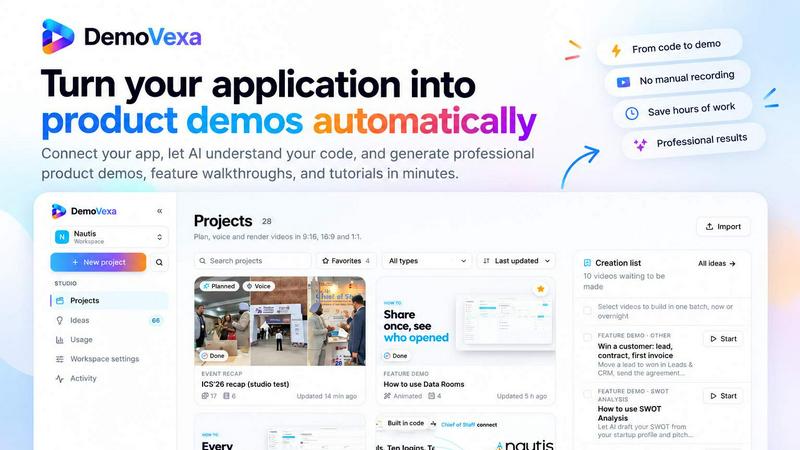
About DemoVexa
DemoVexa creates product demo videos by reading an app’s code, documentation, and navigation, then rebuilding its interface as animation. You provide a brief or start with an idea; the workflow supports scripting, narration, scene animation, and video export. Because the interface is recreated from code, the videos use sample data rather than real customer records, and the product page says there is no screen recording.
The tool is aimed at software teams that need product walkthroughs, feature announcements, tutorials, or onboarding videos. A single project can produce 16:9, 9:16, and square MP4s, with optional voiceover, captions, and translated scripts. When a product changes, DemoVexa can rebuild a video from updated code or apply requested edits. It runs on the user’s computer, while connected AI and voice providers handle their respective tasks and bill users directly. That means setup depends on connecting a compatible AI provider, and voiceover depends on a compatible voice provider or a user recording.
Features
- Reads product code, documentation, and navigation to identify screens and workflows.
- Rebuilds the interface as animated scenes using sample data.
- Supports optional narration, captions, translated scripts, and 16:9, 9:16, and 1:1 exports.
- Provides a workspace brand kit and can rebuild or edit videos as a product changes.
Use Cases
- Create narrated feature demos and product walkthroughs.
- Turn help articles or FAQs into step-by-step tutorial videos.
- Prepare launch or changelog videos in multiple aspect ratios and languages.
- Update a product video after a screen or workflow changes.
Pricing
Free plan with no time limit; paid Solo and Agency plans are available monthly, yearly, or as a lifetime payment. The official page lists Solo at $19/month, $129/year, or $499 once, and Agency at $129/month, $999/year, or $3,999 once. AI and voice provider costs are billed separately.
Frequently Asked Questions
Does DemoVexa record the live app?
No. It reads code and recreates the interface as animation, using sample data rather than customer records.
Is voiceover required?
No. Voiceover is optional; the product also supports captions-only exports or a recording you provide.
What does the free plan include?
The product page lists 3 videos and 15 renders a month, with no time limit and no card required.
Similar to DemoVexa
FoxyLab
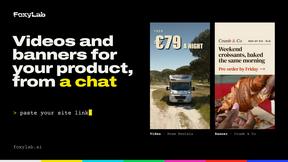
FoxyLab creates product videos and banner sets through chat, with a website URL option for brand-aware marketing assets.

Goshortsai
Goshortsai helps creators turn photos and text prompts into short AI videos with motion transfer and reusable effect presets.
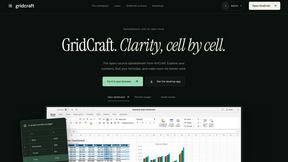
GridCraft
GridCraft is an open-source spreadsheet for editing XLSX files with familiar formulas, charts, and PivotTables in a browser or desktop app.
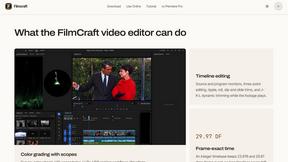
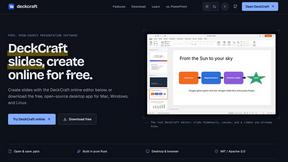
DeckCraft
Create and edit presentations in a free browser editor or desktop app, with PowerPoint file support and open-source code.
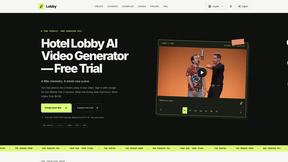
LobbyClip
LobbyClip makes a short video from two photos, using ready-made performance scenes and adjustable video format and resolution.